On this page
Record the crash and recent changes
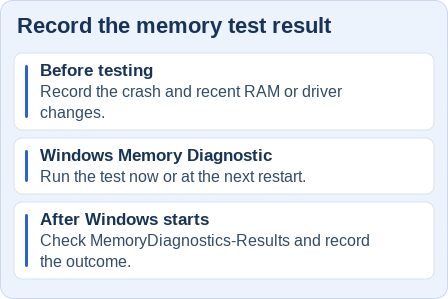
Note the exact stop label, crash time and task. Record any recent memory upgrade, driver update or attached device change. Microsoft’s debugger reference distinguishes several kinds of failure using the bug-check parameters.
Run Windows Memory Diagnostic if Windows stays usable
Save your work because the test needs a restart. Open Start, search for Windows Memory Diagnostic and launch it. Choose to restart and test now, or schedule the test for the next restart.
Let the test finish. After Windows starts, check the notification or open Event Viewer → Windows Logs → System and find the MemoryDiagnostics-Results entry. Record the actual result and time. You can also use your PC maker’s approved memory test.
Use the diagnostic result for the next decision
If the test reports an error, give the result and PC or memory model to the manufacturer or IT. Follow the model’s service instructions before any hardware change.
If the test passes but crashes continue, keep the result alongside the crash times and recent changes. Support can use that evidence and a crash dump to investigate software, driver or other memory-related problems.