WINDOWS ERROR GUIDANCE

Windows stop code guides

Record the stop code and what the PC was doing when it crashed. Then check whether Windows can stay running. Those two details help you choose a code-specific guide or a recovery path.

On this page
  1. Record the stop code and crash pattern
  2. Choose the guide for the code on screen
  3. If Windows can’t stay running

Record the stop code and crash pattern

Write down the exact label, numeric code if shown, and any named module. Note whether the crash followed startup, sleep, a device connection or another repeatable action.

If the desktop is usable, save your work and note any recent Windows, hardware or driver change. If it keeps crashing before sign-in, use the startup branch below.
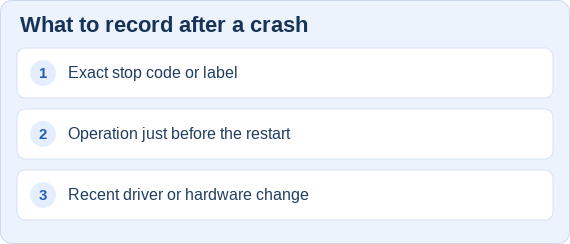
What to record after a crash. Exact stop code or label. Operation just before the restart. Recent driver or hardware change.
What to record after a crash.Enlarge

Choose the guide for the code on screen

Match the full stop label before choosing a guide. A memory-management error and a driver power-state failure need different evidence, even when both end with an unexpected restart.

If Windows can’t stay running

Use the Safe Mode guide for the Startup Settings entry point you can reach. Have the BitLocker recovery key available if Windows requests it. If Startup Settings is unavailable or Windows still cannot start, use Microsoft’s recovery options or contact IT.
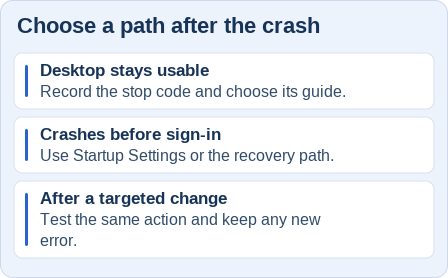
Choose a path after the crash. Desktop stays usable. Record the stop code and choose its guide. Crashes before sign-in. Use Startup Settings or the recovery path. After a targeted change. Test the same action and keep any new error.
Use the Windows state you can actually reach.Enlarge

References

MYTURBOPC

About this page preview

This local preview draws on Microsoft or manufacturer documentation. The illustrated examples show where to look or how to choose a step.

The procedure and individual driver packages have not been tested for this preview.