On this page
Record the power transition and attached devices
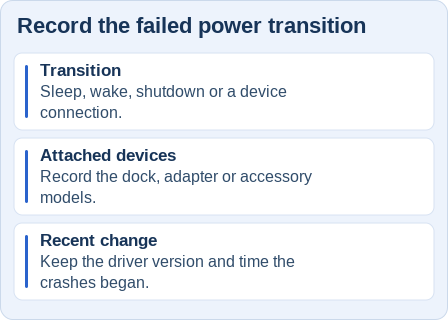
Note the action just before the crash and whether a dock, display, USB adapter or other accessory was connected. Keep any recent driver changes and the exact stop label together.
The stop code alone doesn’t name the faulty driver. A dump and the bug-check parameters can give support more detail about the blocked power operation.
Change the device or driver the evidence points to
If the crashes began after a driver update and Roll Back Driver is available, follow the rollback guide. If an optional detachable accessory is suspected, save your work, disconnect it safely and test the same power transition.
For a device identified by the evidence, use the PC or device maker’s matching package. If several devices or a managed dock are involved, give IT the models and crash pattern before changing packages.
Repeat the same sleep, wake or shutdown action
Test the transition that originally caused the error. Record whether the crash returns with the same devices attached. If it persists, share the PC model, Windows build, stop code, driver change and timing with the manufacturer or IT.