On this page
Record the app and exact message
Microsoft calls this code STATUS_INVALID_IMAGE_FORMAT. Note the app version, full error, and file path if shown. Try another unrelated app. If it opens, start with the app that failed.
Match the app package and any required runtime
Use the publisher’s repair or reinstall instructions for your Windows version. If the app requires Visual C++, match the runtime to the app’s architecture. A 32-bit app can require the x86 package even on 64-bit Windows.
Get the package from the publisher or Microsoft. A DLL from an unrelated site could be the wrong version or belong to another app.
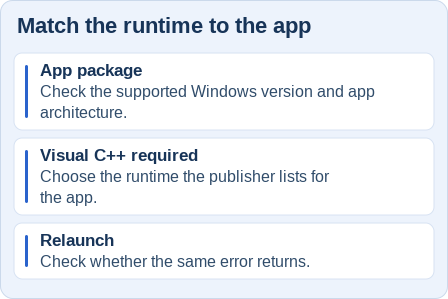
Relaunch the same app
If it still fails, share the app version, exact code, and file path with its publisher. If unrelated apps repeatedly name a Windows component, check the system-file guide or share that evidence with support.