On this page
Find the code or message that matches
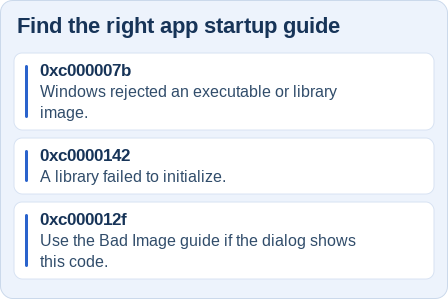
Error 0xc000007b means Windows rejected an executable or library image. Error 0xc0000142 means a library failed to initialize. A Bad Image message with 0xc000012f has its own guide.
If only one app won’t open
Start with the publisher’s repair instructions. If Windows offers Repair for the app, use it before considering Reset. Review what data or settings Reset would affect.
If the message names a DLL, record the full path. Install a shared runtime only if the publisher lists it as a requirement.
If several unrelated apps fail
Compare the exact messages. If they repeatedly name a Windows component, use the system-file guide or share the errors and timestamps with support.
If the app never finished installing
An error in the setup program belongs with the installer and its log. Use the Windows Installer guide if the message identifies Windows Installer.