On this page
Record when the critical process fails
Note whether it crashes before sign-in, just after signing in, or during a repeatable task. Record the stop label, time and recent Windows or driver changes.
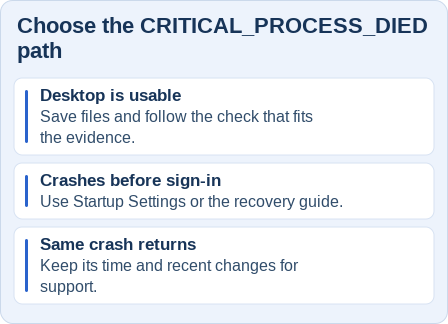
If Windows stays usable, save important files before troubleshooting. Keep the crash pattern so you can compare it after a change.
Choose the path for the Windows state you can reach
If the desktop stays usable and the evidence points to Windows file damage, follow the DISM and System File Checker guide. Read the repair results before testing again.
If Windows crashes before sign-in, use the Safe Mode guide to reach Startup Settings. Have the BitLocker recovery key ready if requested. If Windows remains inaccessible, use Microsoft’s recovery guidance for that situation or get help from IT.
Check whether the same crash returns
Repeat the startup sequence or task that triggered it. If the stop code returns, share the time, Windows build and recent changes with support. A crash dump can help identify the process involved, so keep it available for a private support request.